
Download the smry browser extension
Open or save articles from your browser without copying links.
 Add to Chrome — it's free
 Add to Firefox — it's free
The Safari extension is prepared and moving through Apple's release process.
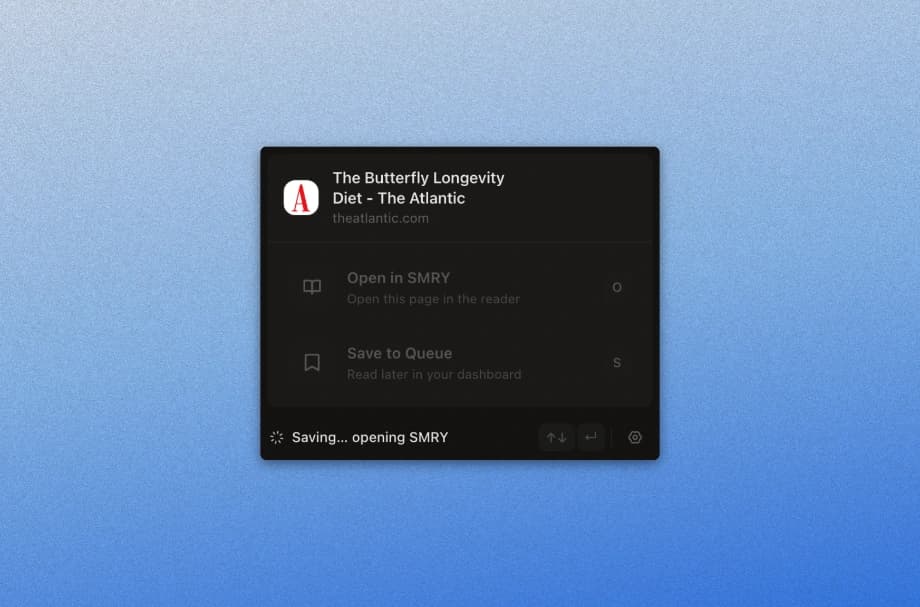
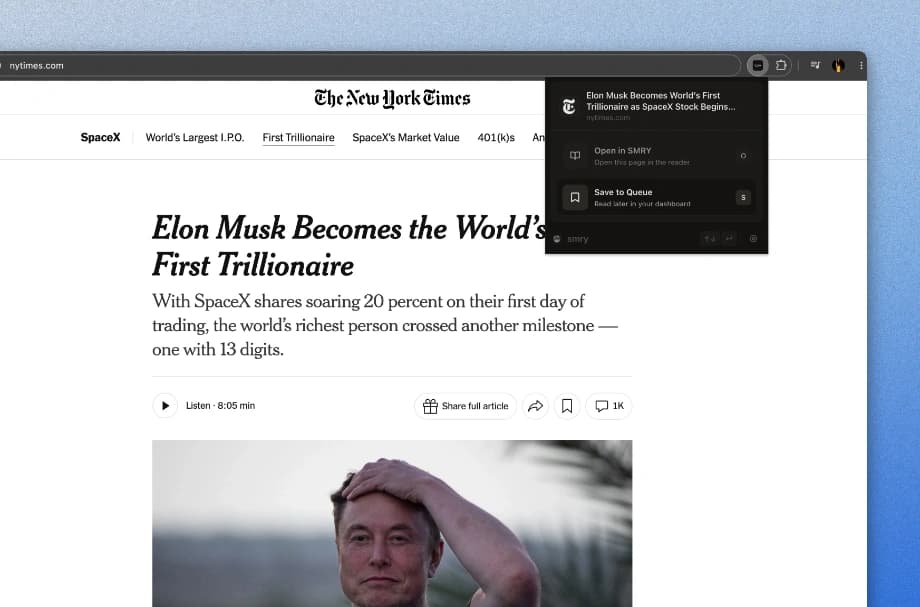

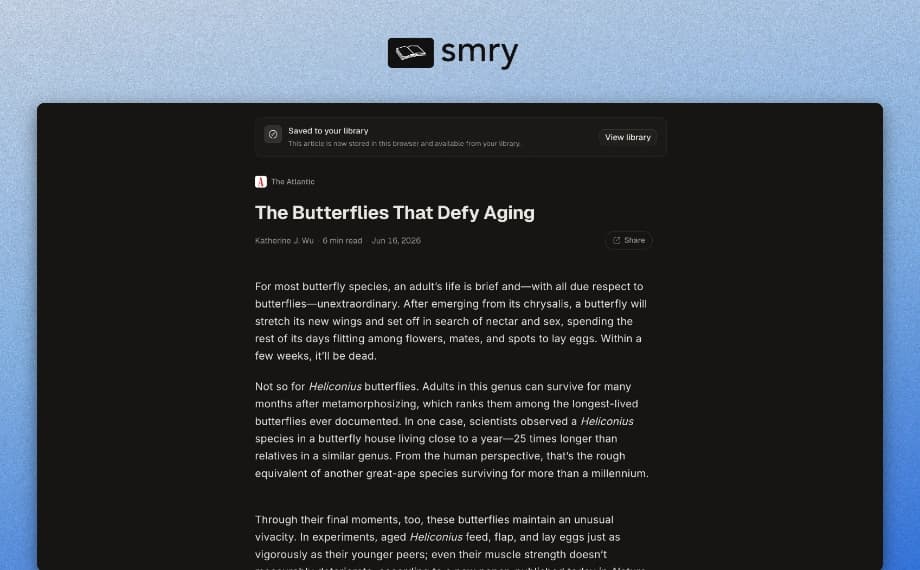
What it does
A faster path from the page you are reading to the smry reader.
- Open the article you are reading in smry with one click from your browser toolbar.
- Save articles to your queue or library when something is worth coming back to.
- Use configurable keyboard shortcuts for open and save actions.
- Skip copying, switching tabs, and pasting links.
Installation
Chrome, Firefox, Edge, and Opera are available now. The Safari release is in progress with Apple.



FAQ
Common questions before you install.
Does the extension bypass paywalls?
No. Hard paywalls do not send the full article to your browser unless you sign in or subscribe, so smry has nothing to read. The extension only opens or saves the current page in smry. Learn more about hard paywalls.
Is the extension free?
Yes. The browser extension is free to install and use for opening articles in smry.
Do I need an account?
No account is required to install it or open articles. Sign in only if you want saved items tied to you across devices.
Can I use keyboard shortcuts?
Yes. You can set browser extension shortcuts for opening or saving articles without reaching for the toolbar.
What data does the extension send to smry?
Only when you use it. The extension sends the current page URL and article content needed to open or save that page in smry.